最後更新: 2026-03-18 6 Min 閱讀

Best CNC engraver for Small Business: Beginner to Advanced

A CNC engraver for a small business is a computer-controlled cutting machine that automates precision woodworking, sign making, prototyping, and custom fabrication. Entry-level models start from $1,500 to $5,000, while mid-range commercial machines range from $8,000 to $25,000. The best CNC engraver for beginners combines user-friendly software, a rigid frame, adequate work area, and reliable customer support.

Best CNC engraver for Small Business: Beginner to Advanced

The global CNC engraver market reached $861 million in recent valuation and continues expanding at a compound annual growth rate exceeding 5%, driven largely by small and medium enterprises adopting precision manufacturing capabilities. Whether you are launching a custom sign shop, starting a woodworking business, or scaling a fabrication workshop, choosing the right CNC engraver directly impacts your production quality, operating costs, and profit margins.

This guide walks you through everything you need to know about selecting, budgeting, and operating a CNC engraver for small business operations. From mini desktop CNC engravers for small business use to full-scale 4x8 production machines, every recommendation is grounded in real-world workshop experience, community feedback, and current industry data.

What Is a CNC engraver and Why Small Businesses Need One?

A CNC (Computer Numerical Control) router is an automated cutting machine that uses computer-programmed toolpaths to carve, cut, drill, and engrave materials with repeatable precision. Unlike handheld routers that depend on operator skill, a CNC engraver follows digital instructions to execute complex designs accurately every single time.

For small businesses, this translates into several measurable advantages. Production speed increases dramatically because the machine runs autonomously once programmed. Material waste decreases because nesting software optimizes how parts are arranged on sheet goods. Quality consistency improves because every piece matches the digital design exactly. To understand whether a CNC engraver is worth the investment for your specific situation, consider both your current production volume and your growth plans over the next 2 to 3 years.

CNC engraver for Small Business: A Complete Guide from Beginner to Advanced

Types of CNC engravers for Small Businesses

CNC engravers range from compact benchtop units to full industrial production lines. The table below compares the primary categories relevant to small business buyers.

雕刻机類型工作區域價格範圍最適合產品特色
Desktop/Mini (6090)24" x 36"1,500 - 5,000 美元Beginners, 業餘愛好shopsCompact footprint, low learning curve, signs and small parts
Benchtop (2x4)24" x 48"3,000 - 8,000 美元小型作坊Moderate rigidity, handles wood and soft metals, fits garages
Mid-Range (4x8)48" x 96"8,000 - 25,000 美元成長中的企業Full-sheet processing, ATC options, vacuum hold-down
Industrial/ATC48" x 96"+25,000 美元 - 80,000 美元以上Production shopsAuto tool changer, high spindle power, servo motors

How to Choose the Best CNC engraver for Your Small Business?

Selecting the right machine requires balancing several factors against your budget and production goals. Experienced CNC shop owners on forums like WOODWEB and CNCZone consistently emphasize one principle: buy your 2nd machine first. In other words, plan for where your business will be in 2 years rather than what you need today. Before diving into specific models, review this comprehensive guide to buying your 1st CNC engraver that covers the complete evaluation process.

工作區大小

Match the work area to your typical material dimensions. If you regularly process 4x8 sheet goods for cabinetry or furniture, a 4x8 CNC雕刻機 pays for itself through full-sheet nesting efficiency. For sign makers and small-part producers, a desktop or 2x4 benchtop model handles most projects without consuming excessive floor space.

Spindle Power and Type

Spindle power determines what materials you can cut and how fast. Water-cooled spindles running 1.5kW to 3kW handle wood, MDF, acrylic, and soft metals comfortably. For hardwood furniture production or aluminum fabrication, look for 3kW to 6kW spindles with variable frequency drives. Higher spindle power also allows deeper single-pass cuts, which reduces total machining time per project.

Frame Rigidity and Build Quality

Frame construction directly affects cut quality and machine longevity. Cast iron and welded steel frames offer superior vibration damping compared to aluminum extrusion or wood frames. As seasoned users on Router Forums point out, cheaper machines with flexible frames require slower feed rates and shallower cuts, which reduces your hourly output. Investing in a rigid machine upfront saves time and money over its working life.

軟件兼容性

Your CNC engraver is only as capable as the software driving it. Beginner-friendly options like Easel and VCarve provide intuitive interfaces for 2D and 2.5D work. Fusion 360 and ArtCAM handle complex 3D carving and multi-axis toolpaths. Confirm that your chosen machine supports standard G-code output and works with the CAD/CAM platform you prefer before purchasing.

CNC engraver Cost Breakdown for Small Businesses

Understanding the true cost of CNC ownership goes beyond the machine sticker price. For a detailed pricing analysis across categories, see the full CNC engraver cost guide.

成本類別入門級中檔
機器採購1,500 - 5,000 美元8,000 - 25,000 美元
CAD / CAM軟件每年 0 美元至 500 美元每年 500 美元至 2,000 美元
Tooling (Bits, Collets)100 - 300 美元300 - 1,000 美元
除塵150 - 400 美元500 - 2,000 美元
電氣要求Standard 110V220V (may need upgrade)
每年的維護200 - 500 美元500 - 1,500 美元
Total First-Year Cost2,000 - 6,700 美元10,000 - 31,500 美元

Best CNC engraver Materials for Beginners

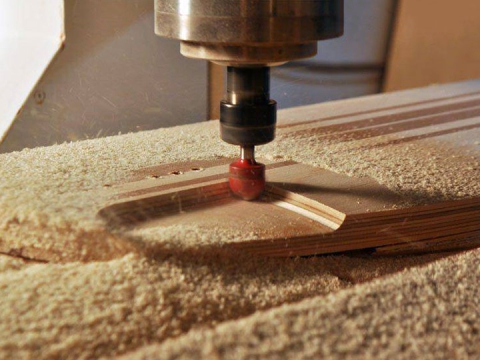
Starting with forgiving materials reduces frustration and tool breakage during the learning phase. MDF is the most popular starter material because it machines cleanly without grain direction issues. Plywood, particularly Baltic birch, offers a step up in durability while remaining relatively easy to cut. Acrylic and HDPE plastic accept detailed engravings and edge-lit designs. Once you are comfortable with feeds and speeds, softwoods like pine and poplar provide affordable practice before moving to hardwoods. Choosing the right CNC engraver bits for woodworking is equally important, as the correct bit geometry prevents tear-out and extends tool life across different material types.

Small CNC Machine for Metal: What to Know

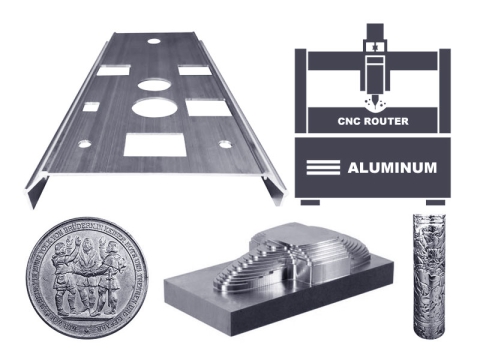
Cutting metal on a CNC engraver demands a fundamentally different approach than woodworking. Aluminum is the most common metal machined on CNC engravers, and even experienced users on CNCZone recommend slow feed rates, shallow depth of cut, and flood or mist coolant to prevent heat buildup. A rigid machine frame, a minimum 1.5kW water-cooled spindle, and single-flute carbide end mills are essential for clean metal cuts. For small businesses needing occasional aluminum work, a small desktop CNC machine with adequate rigidity can handle light metal engraving and profiling, though dedicated metalworking tasks may require stepping up to a more robust platform.

How to Set Up and Start Using Your 1st CNC engraver?

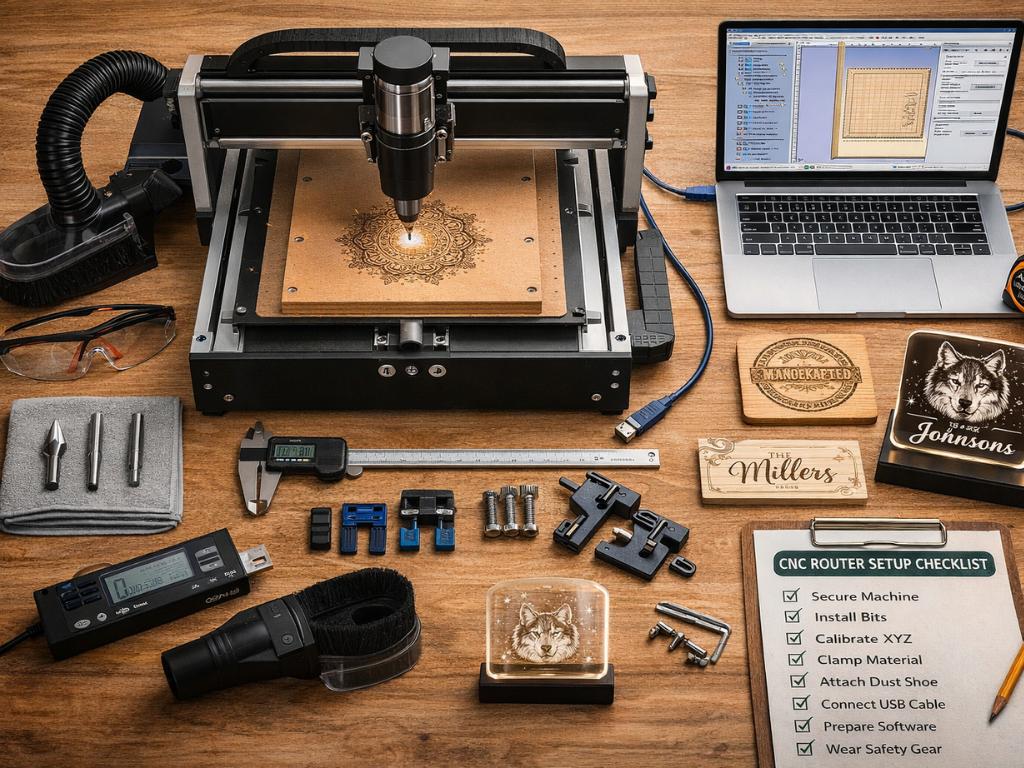
Getting your CNC engraver running smoothly during the 1st 30 days sets the foundation for long-term productivity. The CNC engraver operator practical guide covers detailed operational procedures, but here is a condensed setup checklist:

Step 1. Assemble the frame on a level surface, verify squareness with a machinist square, and tighten all bolts to specification.

Step 2. Connect stepper or servo motors, verify wiring to the controller, and confirm limit switch operation on all axes.

Step 3. Install your CAD/CAM software, connect the machine via USB or Ethernet, and run the homing sequence to establish machine coordinates.

Step 4. Mount a V-bit or straight bit, load a test file, and run an air cut (spindle on, no material) to verify toolpath accuracy.

Step 5. Clamp MDF to the work surface, set the Z-zero position on the material surface, and run your 1st test cut at conservative feed rates.

Step 6. Inspect cut quality, adjust spindle speed and feed rate based on chip formation, and document optimized settings for future reference.

Profitable CNC engraver Business Ideas

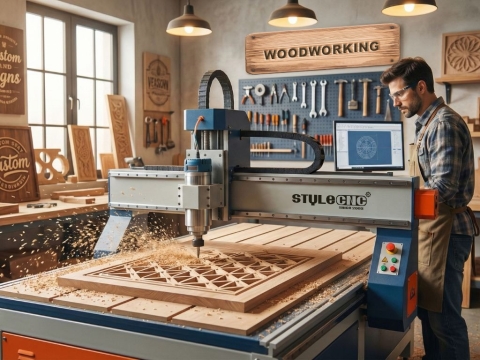
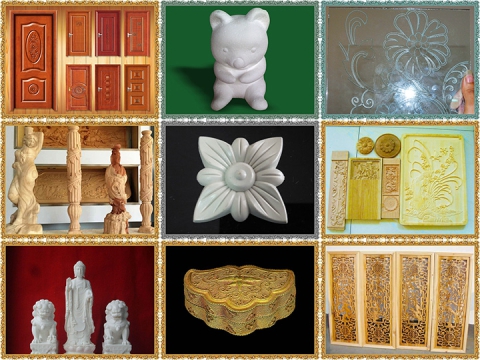
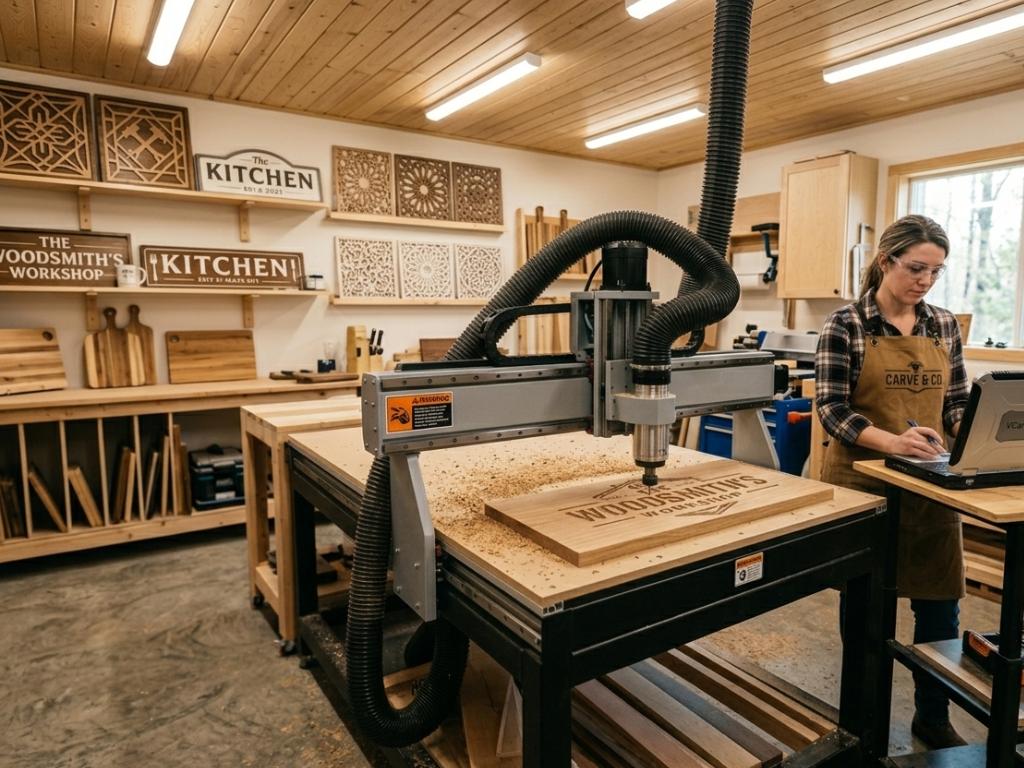
CNC engravers open diverse revenue streams for small businesses. Custom sign making remains one of the fastest paths to profitability because personalized signage commands premium pricing with relatively low material costs. Custom furniture components, particularly cabinet doors and decorative panels, serve the growing consumer demand for personalized home furnishings. Specialty items like cutting boards, serving trays, and engraved gifts perform well on platforms like Etsy and at local craft markets. For operators exploring affordable CNC engraver tables, starting with high-margin products like custom signs and personalized gifts can generate positive ROI within the 1st few months of operation.

Industrial subcontracting offers another growth avenue. Small CNC shops increasingly serve aerospace, automotive, and medical prototype manufacturers who need precision parts without committing to in-house equipment. Material testing, jig fabrication, and short-run production parts all represent recurring revenue opportunities for well-equipped small shops.

CNC engraver Industry Trends Driving Small Business Growth

Several macroeconomic trends are accelerating CNC adoption among small businesses. The Asia-Pacific region accounts for over 40% of global CNC engraver installations, with North American demand growing steadily through reshoring initiatives and domestic manufacturing expansion. Over 45,000 new CNC engraver units ship annually across woodworking, signage, metal fabrication, and composites processing sectors.

Technology is also lowering the barrier to entry. AI-powered nesting algorithms, IoT-enabled predictive maintenance, and cloud-based CAD/CAM platforms make precision manufacturing accessible to operators without formal engineering training. For businesses evaluating their options, exploring budget-friendly CNC engraver machines is a practical 1st step toward automation without overextending capital.

常見問題(FAQ)

Q: What is the best CNC engraver for a small business beginner?

A: A mid-range 3-axis CNC engraver with at least a 2x4 work area, 1.5kW water-cooled spindle, and ball-screw drive system offers the best balance of capability and ease of use for beginners. Look for machines with responsive customer support and active user communities.

Q: How much does a CNC engraver for small business cost?

A: Entry-level desktop CNC engravers suitable for small businesses range from $1,500 to $5,000. Mid-range machines with automatic tool changers and vacuum tables cost $8,000 to $25,000. Total first-year ownership costs including software, tooling, and dust collection add $500 to $6,500 on top of the purchase price.

Q: Can a beginner learn to use a CNC engraver without formal training?

A: Yes. Most modern CNC engravers ship with user-friendly software and comprehensive tutorials. Online communities on Reddit, CNCZone, and manufacturer forums provide free peer support. Most beginners achieve competent operation within 30 to 60 days of consistent practice.

Q: What is the most common mistake beginners make with CNC engravers?

A: Running the spindle too fast is the most frequently cited beginner error. Excessive RPM produces dust instead of chips, burns the workpiece, and shortens tool life. The correct approach is dialing in feeds and speeds so the router produces clean wood chips rather than fine powder.

Q: Can a small CNC engraver cut metal?

A: Yes, but with limitations. Desktop and benchtop CNC engravers can engrave and profile soft metals like aluminum and brass using slow feed rates, shallow cuts, and single-flute carbide end mills. For production metal cutting, a more rigid machine with flood coolant capability is necessary.

Q: Do I need dust collection for a CNC engraver?

A: Absolutely. Dust collection is not optional for CNC routing. Fine wood and MDF dust creates health hazards and accumulates in bearings, lead screws, and electronics, reducing machine life. A shop vacuum with a dust shoe attachment is the minimum requirement for any CNC operation.

最後的思考

Investing in a CNC engraver transforms a small business from manual production into precision manufacturing. The right machine matched to your workflow, materials, and growth trajectory delivers measurable returns through faster production, reduced waste, and consistent quality that builds customer loyalty. Start by defining your primary applications and budget, then narrow your options using the comparison tables and selection criteria above. For hands-on guidance on evaluating machines from a trusted manufacturer with over 20 years of experience, request a free consultation from STYLECNC to match your business requirements with the ideal CNC engraver configuration.

木材、壓克力、皮革、金屬雷射雕刻設定指南

2026-03-11前一則

沒有下一篇

延伸閱讀

木工CNC工具機的成本是多少?
2025-07-316 Min Read

木工CNC工具機的成本是多少?

擁有一台CNC木工工具機的實際成本是多少?本指南將詳細介紹從入門級到專業型號、從家用到工業類型的成本。

如何選擇合適的石材數控雕刻機?
2019-08-103 Min Read

如何選擇合適的石材數控雕刻機?

您在尋找 CNC 石材雕刻機嗎?請查看以下指南,您將了解如何選擇合適的石材CNC工具機。

如何選擇木工數控雕刻刀頭?
2022-05-173 Min Read

如何選擇木工數控雕刻刀頭?

身為數控木工,您可能想知道如何為您的CNC木工工具機選擇合適的刀具?在本文中,我們將為木工 CNC 雕刻刀提供實用指南。

CNC 後處理器檔案免費下載
2024-03-123 Min Read

CNC 後處理器檔案免費下載

需要 CNC 加工的 CAM 軟體的後處理器檔案嗎?以下是最常見的 CNC 後處理文件列表,可供免費下載和使用。

是否有可靠的攜帶式CNC工具機?
2025-07-307 Min Read

是否有可靠的攜帶式CNC工具機?

您是否正在努力尋找可靠的便攜式CNC工具機?這裡有一份專業的使用者指南,可以為您提供有關選擇適合您需求的工具機的提示。

65% 的小型店鋪使用數控雕刻機:新手也能大獲成功的原因就在這裡
2026-02-097 Min Read

65% 的小型店鋪使用數控雕刻機:新手也能大獲成功的原因就在這裡

65%的小型木工坊現在都從數控雕刻機中獲利。探索價值3.5億美元的入門商機,機器起價僅2,000美元。投資回報期不到12個月。立即行動!

發表您的評論

1 至 5 星評級

與他人分享您的想法和感受

點擊更改驗證碼